Copy changelogs
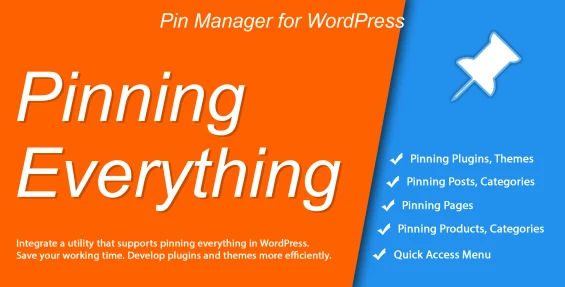
The Admin Items Pinning & Quick Notes Manager (Poly Pin Manager - wppinmanager) plugin is an essential administrative efficiency extension for WordPress developers, agency owners, and site managers. It eliminates tedious scrolling in WP Admin by letting you pin your most-used plugins, themes, pages, posts, categories, and custom taxonomies directly to the top of their respective list tables.
Core Features & Subsystems
1. Universal Admin List Pinning (Pin / Unpin)
- Multi-Entity Support: Pin Plugins, Themes, Posts, Pages, WooCommerce Products, Post Categories, Product Categories, and Custom Taxonomies to the top of WP Admin tables.
- Admin-Only Persistence: Pinning operates exclusively inside WP Admin list tables and never alters frontend site displays.
2. Persistent Developer Notes & Tooltip Hover Preview
- Attached Notes: Attach detailed documentation, reminders, or client instructions to any pinned item.
- Hover Tooltips: Hover over the note icon to preview note contents instantly in a sleek tooltip window.
3. Quick Access Custom Menu & Code Editor Integration
- Direct Code Editor Shortcuts: Jump straight to plugin and theme file editors from the pinned item list.
- Quick Access Menu Bar: Create customizable quick-navigation shortcut lists for fast access across your site.
System Architecture & Data Flow
graph TD
A[Admin List Table Enqueues poly-pin-manager.js] --> B[Inject Pin Icon & Note Button next to Item Titles]
B --> C[User Clicks Pin / Edit Note AJAX Action]
C --> D[Save Pinned State & Notes into Options API poly_pin_manager]
D --> E[Re-order WP List Table Rows Moving Pinned Items to Top]
E --> F[Render Note Tooltip on Hover]