Copy changelogs
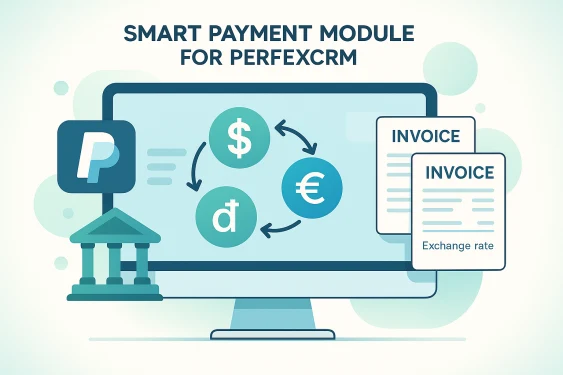
The Multi-Currency Conversion & Exchange Rate Manager (Smart Payment for Perfex CRM - smartpayment) module empowers Perfex CRM business owners to seamlessly accept cross-border multi-currency payments. It solves the common limitation where online payment gateways (like PayPal or Stripe) only accept specific base currencies, automatically converting non-USD invoice balances to the target gateway currency during checkout while preserving the original invoice records.
Core Features & Subsystems
1. Automatic Multi-Currency Checkout Conversion
- Seamless Gateway Bridge: Automatically converts customer invoice balances in non-supported currencies (e.g., VND, EUR, GBP, AUD) to the gateway's base currency (e.g., USD) at checkout time.
- Preserve Original Invoice Records: Line items, invoice totals, and customer billing histories remain strictly in the customer's native currency while gateway transactions process in target currencies.
2. Historical Exchange Rate Locking & Audit Trail
- Transaction Rate Locking: Captures and permanently locks the exact exchange rate used at the moment of payment inside the invoice ledger (
tblsmart_payment_exchange_rates). - Fixed Administrative Rates: Configures custom fixed exchange rates per currency pair directly in Perfex CRM settings to avoid reliance on fluctuating third-party APIs.
3. Developer Hooks & Frontend Conversion Notice Engine
- Extensible Hooks API: Provides
smart_payment_get_exchange_rateandsmart_payment_convert_currencyfilters for custom module developers. - Public Conversion Notices: Injects real-time currency conversion notice banners directly on public client payment pages (
payment_gateway_head).
System Architecture & Data Flow
graph TD
A[Client Views Public Invoice Payment Page] --> B[Smart Payment Intercepts Gateway Checkout Head Hook]
B --> C[Fetch Fixed Exchange Rate from tblsmart_payment_exchange_rates]
C --> D[Calculate Converted Target Payment Amount]
D --> E[Render Conversion Notice & Update Gateway Checkout Button]
E --> F[Client Completes Payment via PayPal / Gateway]
F --> G[Record Transaction Payment with Locked Historical Exchange Rate]