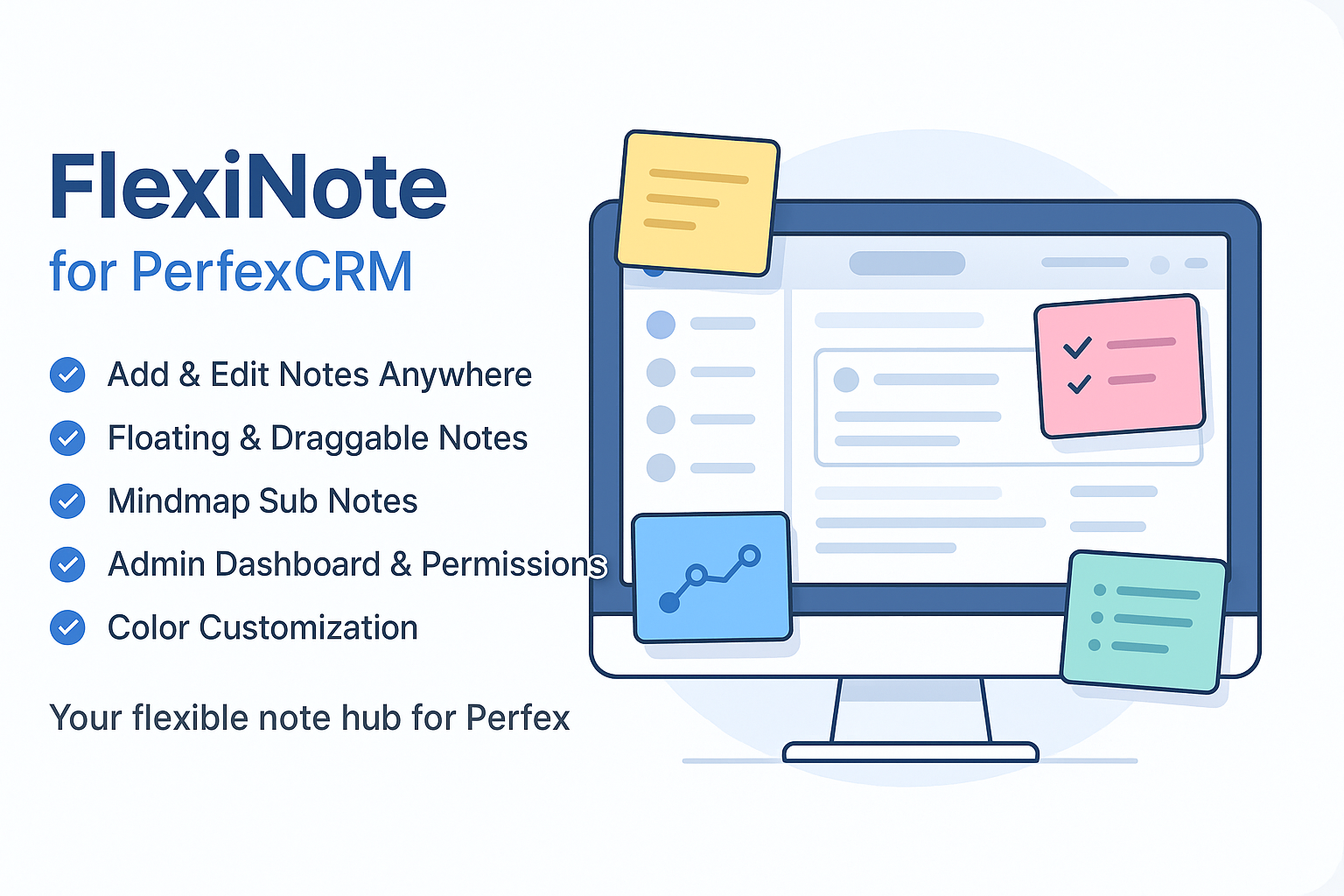
FlexiNote for Perfex CRM
Preview

FlexiNote for Perfex CRM

305.73 ms
$34 $39 Offer Deal
39 sold 5.0 (3 reviews) 183 views
SKU flexinote-perfex

FlexiNote is the fastest way for staff to create floating notes anywhere inside Perfex CRM – draggable, resizable, instantly accessible on any page. Using PolyUtilities already? FlexiNote integrates seamlessly – combine both for the best Perfex productivity workflow.

FlexiNote extends note-taking capability inside Perfex CRM. Supports staff creating and managing personal notes instantly from any admin page. Notes can attach to independent pages such as Projects, Orders, Tasks, Tickets, Invoices, Payments, Modules, or Settings, giving users an overview each time they start a new session. Workflow becomes faster, more consistent, and more efficient.

Why are some modules, plugins, or products not available for direct purchase on the site?

For products sold outside the site - for example, polyxgo on Envato (CodeCanyon.net) - we are the exclusive authors under Envato’s platform. These products can only be sold and supported on Envato. Therefore, you cannot purchase them elsewhere if you wish to receive our official support and updates.

My Envato support period has expired. Can I still receive assistance?

Even if your support period has ended, we will still answer your current technical questions related to the module. However, for any requests that involve bug fixing, troubleshooting, integration, or hands-on assistance, you will need to renew your support first. We hope you understand this requirement. More details: https://help.market.envato.com/hc/en-us/articles/208191263-What-is-Item-Support

Can I get support if I only need to integrate some features from a module or plugin?

Yes. We handle feature integration based on customer requirements and descriptions. If a module has the features you need, you can send a separate request to polyxgo@gmail.com

How do I download and install the product?

You can download the product through the purchase receipt or your account dashboard right after you log in at https://headrandom.com/account/login. Installation steps are included in the documentation folder.

For products on Envato (Codecanyon) access the Download section after you log in.

Do you provide installation or setup support?

Yes, we provide basic installation and setup support for all purchased products.

Can I use the product on multiple sites?

Usage depends on the license type. Standard licenses typically allow one installation per purchase.

How do I receive updates after purchase?

Updates are delivered through your account dashboard or marketplace where you purchased the product.

What should I do if I encounter an error or conflict?

Please send us details, screenshots, and steps to reproduce the issue so our support team can assist you. You can create tickets on the system or email polyxgo@gmail.com.

How long does technical support last after purchase?

Support duration follows the policy of the marketplace or package you purchased, typically 6–12 months.

Do you provide documentation or a user guide?

Yes, all products include documentation to help you install and use the features. The data is connected to the system for each corresponding product project, and the documentation always provides the latest feature information and instructions from the project.

Can I request customization or additional features?

Yes, we offer custom development based on your requirements. For products sold exclusively and features already available on products listed on Envato, we integrate the additional features and update them through Envato. Only completely different features that require separate handling based on specific business workflows will be processed as a standalone service according to your detailed requirements.

Is there a demo site available for testing?

Yes, we provide a live demo so you can test features before purchasing.

How do I renew support after it expires?

You can renew support through your marketplace account or by contacting us directly.

What We're Working On

No feature updates scheduled currently.

Recent Releases

v1.4.1 (05/05/2026)
NEW
-Add Parent Note Selection: Enable cross-page note relocation by assigning new parent. Moving parent automatically transfers all nested sub-notes. (May 5, 2026)
CHANGED
-Implemented random color generation for every new note created. (May 5, 2026)
-Enhanced Note Content Preview modal in Manage Notes: added support for YouTube/Image embeds rendering, improved checklist (read-only) display, blocked backdrop click closing, and ensured it stays on top of all floating notes. (May 5, 2026)
-Refined the "Delete Note" confirmation modal layout (set custom 400px width and centered text content) for better visual proportion and readability. (May 5, 2026)
FIXED
-Fixed UI layout issue where empty sub-notes tabs container occupied space in the note footer when no data was present. (May 5, 2026)
v1.4.0 (02/05/2026)
NEW
-Add Loading state for note save to improve UX during slow network connections. (April 30, 2026)
-Implement auto-save draft to localStorage to prevent data loss on network timeouts. (April 30, 2026)
-Add Lock Note feature: blur note content to protect privacy when others can see the screen. (April 30, 2026)
-Add Embed YouTube & Image: toolbar buttons to insert [youtube] and [flexiimg] shortcodes with responsive rendering. (April 30, 2026)
-Add Nested Tabs View Mode: toggle switch on parent notes to render sub-notes as navigable tabs inside the parent note. (May 1, 2026)
CHANGED
-Improve checklist user experience: auto-spacing, caret positioning on new items, and SVG icons. (May 1, 2026)
FIXED
-Fix checklist (tasklist) state persistence in View mode and Modal Edit mode. (May 1, 2026)
-Fix missing nested tabs rendering for sub-notes upon page reload. (May 1, 2026)
-Fix visibility logic: properly hide all deep descendants recursively when a parent note is collapsed. (May 1, 2026)
-Enhance UI: align and restyle the Note footer action buttons (Tabs Toggle, Reminder) for a more harmonious look. (May 1, 2026)
-Fix z-index of connection lines when switching between tabs mode and floating mode. (May 1, 2026)
v1.2.2 (26/02/2026)
NEW
-Integrate custom setting to toggle display of fallback icons at the bottom right of the topbars menu, providing more flexibility when the FAB button is disabled. (February 25, 2026)
-Implemented a note count badge on the header toggle icon, displaying the total number of active notes for the current URL (including subnotes). (February 25, 2026)
CHANGED
-Improved Importance Level Colors settings UI with a 2-row layout: independent level label on top and all controls (color, content-based preview width, and flexible effect) on the second row for better organization and responsiveness. (February 25, 2026)
-Integrated clickable anchor links for both Note Titles and URLs in the manage table and detail view, allowing users to jump directly to the target page in a new tab. (February 25, 2026)
FIXED
-Resolved mini icon rendering discrepancy by replacing CSS pseudo-elements with real <i> tags in icon-mode, ensuring visual consistency between settings preview and actual notes. (February 25, 2026)
v1.2.1 (23/12/2025)
NEW
-Todos display integrates show more/show less to avoid displaying long content. (December 17, 2025)
-Integrate confirm modal for confirmation actions, e.g., delete note. (December 17, 2025)
-Integrate icons for hide/show all notes, exit/focus on notes, add note right below Toggle Panels icon for convenient note operations when FAB Button and Global Context Menu (Right-click on page) are disabled. (December 17, 2025)
CHANGED
-When a note is active, all sub-notes in mindmap if any are displayed above other notes for easier manipulation. (December 17, 2025)
-Remember Focus on Notes state on page refresh. (December 17, 2025)
-Remember active tab state and search keywords for notes/todos in Notes Panel. Adjust active tab style for better visibility. (December 17, 2025)
FIXED
-Fix and improve stability of Minimize to Icon state persistence for individual notes. Then Minimize All Notes to Icons. (December 17, 2025)
v1.2.0 (28/11/2025)
NEW
-Automatically arrange notes on the page when clicking the Auto Arrange Notes icon. (November 27, 2025)
-Integrated importance level labels (Low, Normal, High, Critical) with customizable colors to mark note priority. Added animation effects to visually identify note importance levels. (November 28, 2025)
CHANGED
-Convert to Task: convert to blank text before converting into Task Description. Do Task Description does not support HTML tag. (November 26, 2025)
-Adjust when selecting which active note will be on top to facilitate operations. (November 26, 2025)
-Adjust the support of drag drop move when active into note. (November 26, 2025)
-Adjust the customization of the Pin-it button to show/hide. (November 26, 2025)
-Adjust the width of the note up to 80% of the screen width. (November 26, 2025)
-Remove the resize effect in the process of resizing the note size. (November 26, 2025)
-Remember the expand/ collapsed state of each level of sub-notes. (November 27, 2025)

Looking for full roadmap, documentation, or interactive release logs?

Explore Our Project Portal

Non-profit organizations, charities, and community initiatives supporting elderly people, children, people with disabilities, and other vulnerable groups are always welcome to reach out to us.

If your organization uses Perfex CRM and requires any of our modules, plugins, or related products, we will gladly provide assistance with installation, customization, training, and long-term operation.

As part of our commitment to supporting meaningful social impact projects, we offer lifetime free support for all products used by eligible non-profit organizations. Our goal is to help you streamline operations, reduce technology costs, and focus more resources on serving your community.

For inquiries and support, please contact us at polyxgo@gmail.com. We will do our best to assist your organization as quickly as possible.

This product is synced with Envato Market. You can view official customer feedback or write a review directly on Envato.
Rate & Review on Envato

Average Rating

5.0

Based on 3 ratings

Ratings Source Breakdown

Envato Market 5.0 ★ (3 ratings)
Local Website 0.0 ★ (0 reviews)
Merged Total 5.0 ★ (3 ratings)
This product is synced with Envato Market. You can view official customer discussions or leave a comment directly on Envato.
Comments on Envato

Loading reviews...

Sign in to continue

Please log in to leave a comment or review.

Or Log in using traditional account.
Purchased on Envato Market? Log in to sync your purchase or verify your license.